Why Your USB-C Port Might Be Slower Than You Think
The universal connector promised simplicity, but a decade of spec fragmentation has turned it into a capability lottery

The Universal Port That Isn't Universal
Plug a USB-C cable into your laptop and you might be moving 100 gigabytes in 10 seconds. Or you might be crawling along at speeds that were outdated in 2010. The connector looks identical either way.
That's the paradox at the heart of USB-C adoption in 2026. What began as an elegant solution to connector proliferation has fractured into a confusing array of hidden specifications. A reversible port that handles power, data, and video sounds perfect on paper. In practice, manufacturers have turned that flexibility into opacity, shipping devices where visually identical ports deliver performance gaps of 160-fold or more.
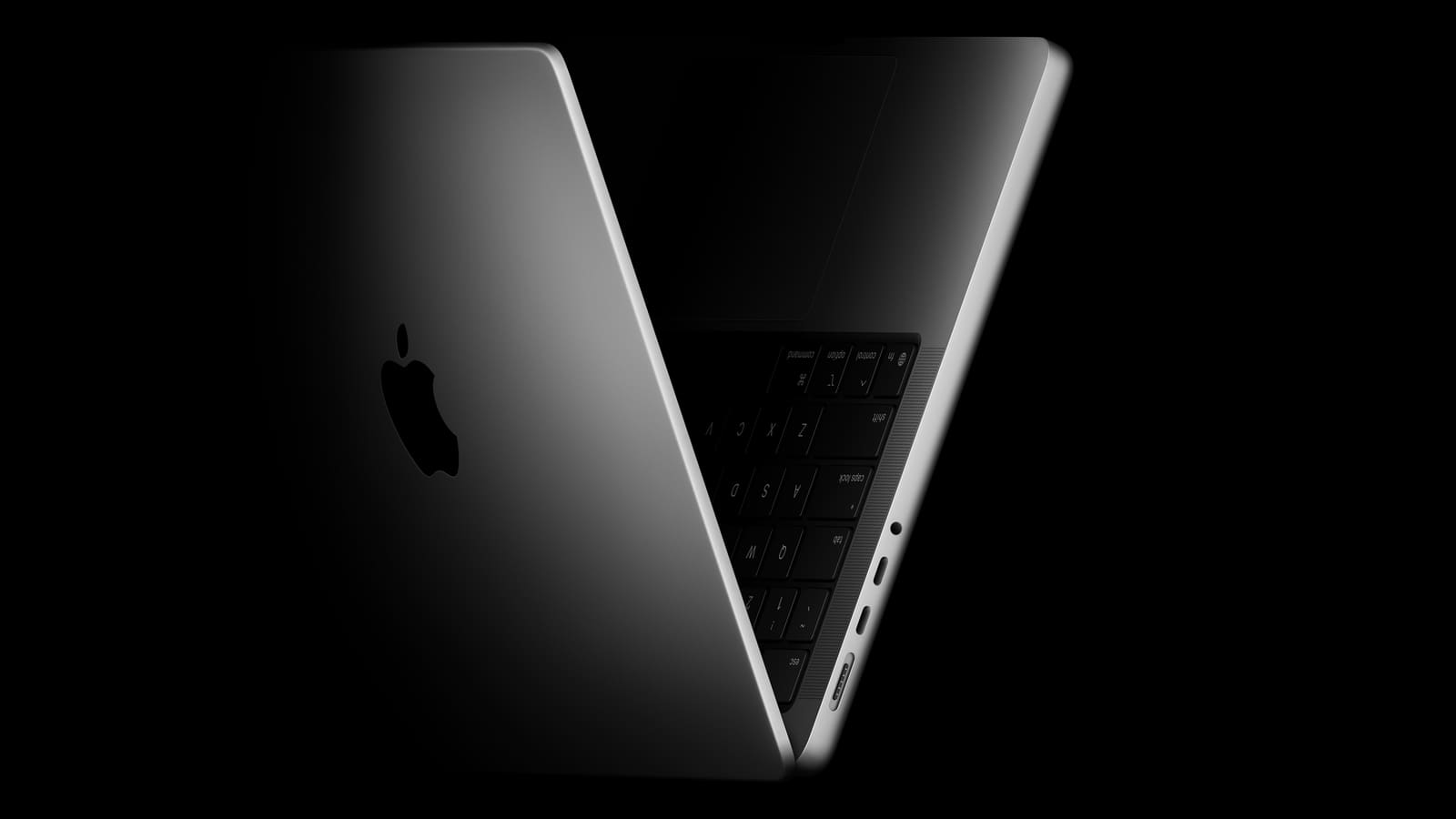
Apple's MacBook Neo, launched at $600 and later bumped to $700, illustrates the problem clearly. The budget laptop ships with two USB-C ports. One supports USB 3.2 Gen 2 at 10 gigabits per second. The other? USB 2.0, maxing out at 480 megabits per second. Both look exactly the same. A user grabbing the wrong port for a file transfer will wonder why their "modern" laptop feels slower than a device from 2015.
This isn't an Apple-specific issue. It's endemic to how the USB ecosystem evolved after 2014, when the Type-C connector debuted. The USB Implementers Forum, which governs these standards, never required manufacturers to adopt the latest specs when using the connector. Cost pressures did the rest. Companies discovered they could market "USB-C" without clarifying which generation sat behind the port, and consumers were left guessing.
How a Simple Idea Got Complicated
Before USB-C, connecting devices meant navigating a maze. Computers used Type-A. Printers demanded Type-B. Android phones had Micro USB in two flavors. Apple stuck with proprietary 30-pin and Lightning connectors. Cameras needed barrel plugs. Displays wanted HDMI or DisplayPort. Every drawer became a cable graveyard.
USB-C was supposed to collapse that complexity. Small enough for phones, powerful enough for laptops, reversible, and capable of handling charging, data, peripherals, and video through one connector. The vision was compelling: one cable for everything.
Two forces broke that vision. First, connectivity standards kept evolving. The USB-IF couldn't freeze specifications in 2014 just because the connector was finalized. USB 3.1, 3.2, USB4, and USB4 Version 2.0 all arrived in subsequent years, each bringing speed increases. But the connector stayed the same.
Second, manufacturers optimize for margin, not user experience. Building a USB-C port that supports the latest spec costs more than slapping an older controller onto the same physical connector. If the average buyer can't tell the difference at the point of sale, why spend extra? The result: a market flooded with USB-C products spanning a decade of capability, all wearing the same face.
The naming conventions made things worse. During the USB 3.x era, the USB-IF introduced labeling so convoluted that USB 3.2 Gen 2x2 ran at double the speed of USB 3.2 Gen 2, despite near-identical names. OEMs leaned into the confusion, advertising "USB 3" generically while shipping older revisions. Charging-only cables proliferated. Data cables shipped with USB 2.0 internals. When users couldn't figure out why their setup wasn't working, manufacturers shrugged.
Decoding What You Actually Have
The good news: you can figure out what your USB-C ports and cables actually do. It just takes more effort than it should.
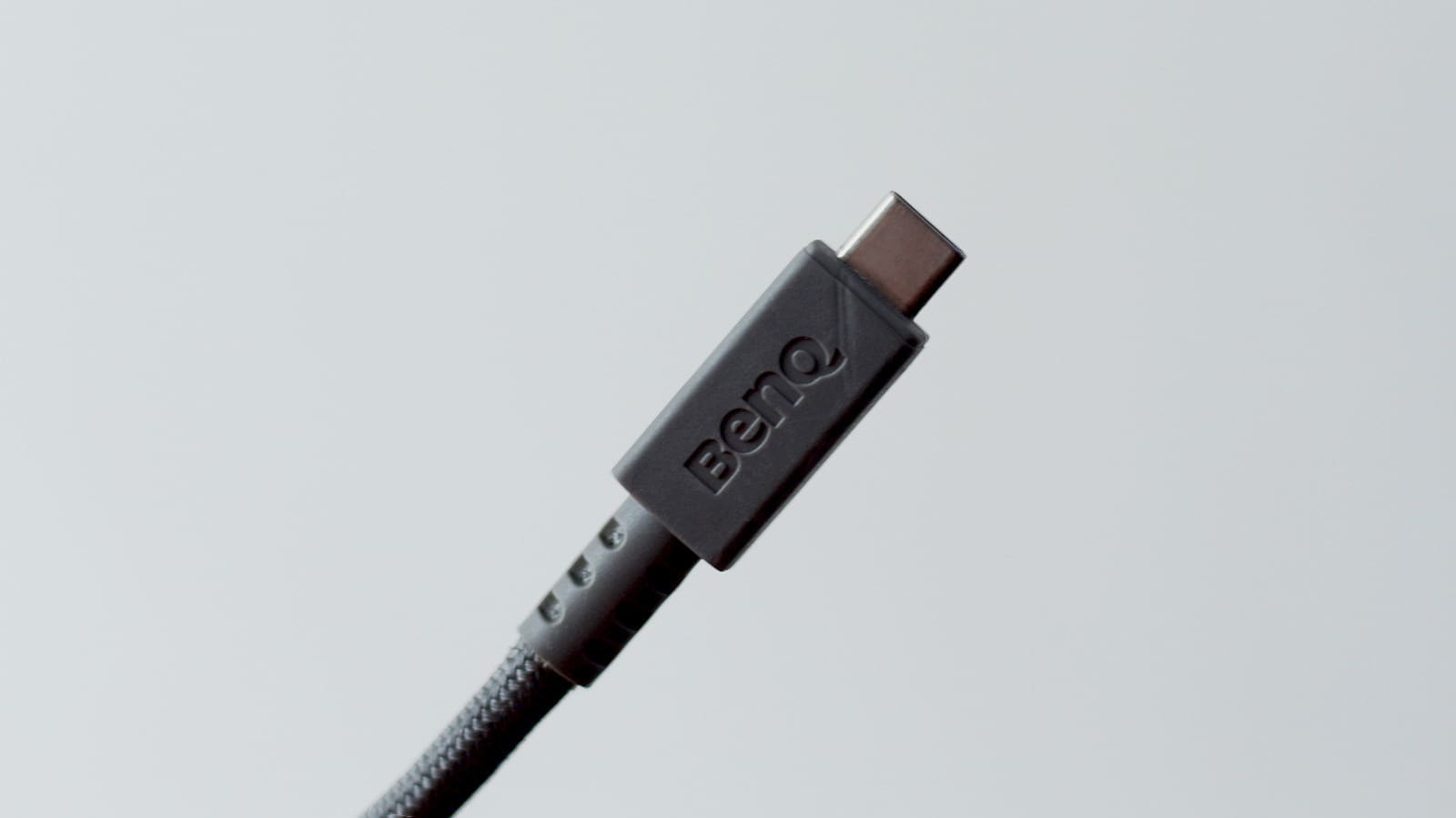
Start with labeling. Some products, particularly those certified by the USB-IF, now print capabilities directly on the connector or port. A cable marked "USB 80Gbps 240W" supports USB4 Version 2.0, the current top-end spec. Clear, unambiguous, helpful.
Most products skip certification because it costs time and money. For those, you'll need to dig into spec sheets before buying. Laptops with multiple USB-C ports often differentiate them in documentation, one paragraph buried in a PDF. Read carefully. If the listing just says "USB-C" without further detail, assume the worst or ask the seller directly.
Already own the device? On Windows, Device Manager lists USB controller generations. That tells you the ceiling, though not always the exact speed. A more empirical method: connect a high-speed portable SSD, transfer a large file, and watch the speed counter. If you're seeing 40 megabytes per second, you're on USB 2.0. If it climbs into the hundreds of megabytes per second, you've got USB 3.x or better. USB4 transfers will push into gigabytes per second.
Video capability is simpler to test. Plug the port into an external display. If no signal appears, either the port or the cable lacks DisplayPort Alt Mode support. That's a feature, not a given, even though the connector physically supports it.
Cable testing is trickier. Unless it's labeled, the only reliable method is trial. Use it with a known high-speed port and device, then measure. If performance lags, the cable is the bottleneck. Charging-only cables won't show up as data devices at all.
The Cost of Fragmentation
At DailyTechWire, we've tracked USB-C adoption across consumer electronics, and the pattern is consistent: the connector won over the market, but the promise of simplicity didn't follow. Even in 2026, the top-recommended USB-C hub on the market caps out at USB 3.1, several generations behind the current standard. Budget devices routinely mix port generations to hit price targets, and users only discover the compromise when transfers stall or displays won't connect.
This isn't just a user-experience annoyance. It creates real workflow friction. A photographer who buys a laptop expecting fast offloads but unknowingly plugs into the slow port can lose hours over the course of a project. A designer expecting to drive a 4K display from any USB-C port might find only one of three actually works. The failure isn't in the technology; it's in the communication gap between what's sold and what's delivered.
The USB-IF has made strides in clarifying branding, but certification remains optional. Until manufacturers face pressure to disclose capabilities at the point of sale, the burden stays on the buyer. That means checking specs, reading reviews, and sometimes just testing after purchase. It's a step backward from the original promise, but it's the reality of how the ecosystem developed.
The universal connector exists. You just have to know which version you're holding.