When Paying for AI Stops Making Sense
A practical guide to unwinding your ChatGPT Plus commitment without losing your data or accidentally triggering another billing cycle.
The Billing Puzzle Most Users Miss
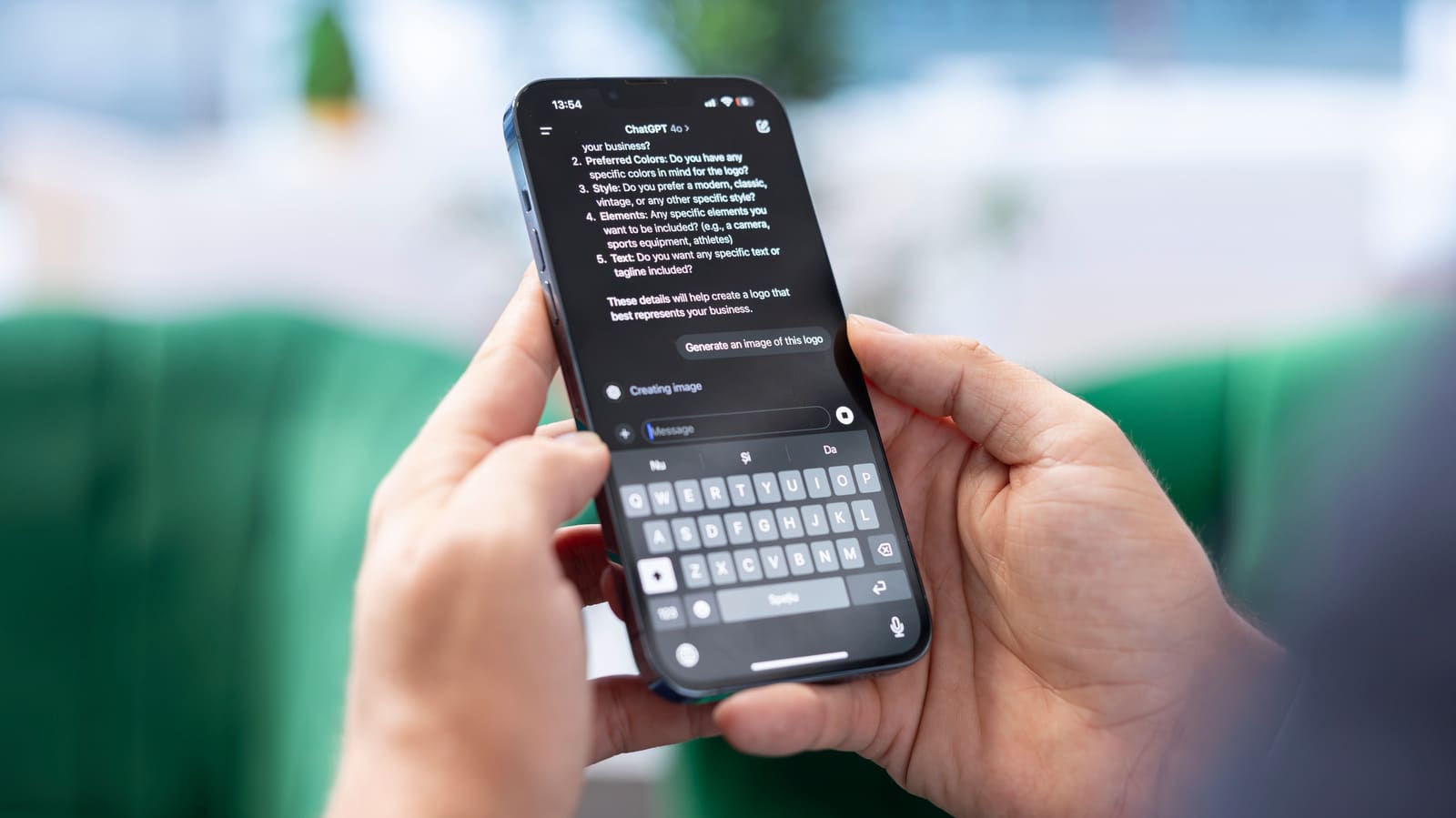
Downgrading from a paid AI service looks simple on the surface - find the cancel button, confirm, done. But the mechanics of unwinding a ChatGPT Plus or Pro subscription involve three separate systems depending on where you originally signed up, and the end result isn't always what subscribers expect. Your chat history persists. Training opt-outs require separate action. And if you bought access through Apple or Google, OpenAI's billing dashboard won't show you anything at all.
The confusion stems from how consumer AI subscriptions layer payment rails, data retention policies, and feature access into a stack that doesn't behave like traditional SaaS. At DailyTechWire, we've tracked how this model evolved as OpenAI scaled from a research-focused nonprofit offshoot into a product company serving tens of millions of paid users. The result is a cancellation flow that requires more deliberate navigation than most productivity tools.
Why Subscribers Walk Away
Not every cancellation reflects dissatisfaction with the product. The math changes when usage drops below the threshold that justifies a monthly outlay. OpenAI introduced ChatGPT Go in early 2026 as a lower-cost alternative to Plus, and the tier now ships to every market where ChatGPT operates. For users who occasionally need faster responses or longer context windows but don't rely on advanced voice modes or deep research tools, stepping down to Go preserves some paid features while cutting the bill.
Model availability presents a different friction point. OpenAI removed GPT-4o from ChatGPT in February 2026, reversing an earlier decision to bring it back after Plus and Pro subscribers voiced preference for its conversational style. When a specific model drove the purchase decision, its removal can undermine the original value proposition. AI services shift their feature sets more fluidly than traditional software, and subscribers sometimes find that what they paid for in month one no longer exists by month six.
Policy decisions also ripple into subscription behavior. After OpenAI signed an agreement in February 2026 to deploy its models on classified Department of Defense networks, Sensor Tower recorded a 295 percent day-over-day spike in US app uninstalls. OpenAI later amended the agreement to explicitly exclude domestic surveillance of US persons and clarified that Defense Department intelligence agencies would require a separate contract for access. The uninstall metric captures app deletions rather than subscription exits, but the timing suggests that some users responded to the DoD partnership by reconsidering their relationship with the platform.
Three Paths to Stop the Charge
The cancellation process splits along the payment rail you used at signup. For subscriptions purchased directly on chatgpt.com, log in, tap your profile icon, navigate to Settings, select Billing, and choose Cancel under the plan section. OpenAI recommends completing this step at least 24 hours before your next billing date to prevent an automatic renewal charge.
Apple subscribers follow a different route. Open the iPhone Settings app, tap your name at the top, select Subscriptions, find ChatGPT in the list, and tap Cancel Subscription. The App Store handles the billing independently of OpenAI's web platform, so changes made on chatgpt.com won't affect an Apple-billed plan.
Android users go through Google Play. Open the app, confirm you're signed in with the Google account tied to the purchase, navigate to Subscriptions, select ChatGPT, and tap Cancel subscription. Deleting the app from your phone does nothing to stop recurring charges through either Apple or Google - the subscription persists until you explicitly cancel it in the respective app store.
If you've lost access to the email address linked to your account or can't locate the cancellation option, OpenAI support can process the request manually. You'll need to provide the email address, the last four digits of the payment card, and the date of the most recent charge. It's also possible to end up with overlapping active subscriptions if you signed up through the web and later subscribed again via an app store, so check all three platforms if charges continue after you think you've canceled.
What Stays, What Goes
Stopping the subscription halts future renewals but leaves your OpenAI account intact. Every chat you've saved remains accessible in your history, and canceling doesn't trigger any automatic data deletion. If your goal is to remove personal information or conversation records, you'll need to take separate action.
Training opt-outs live in a different part of the settings panel. Under Data Controls, toggling off "Improve the model for everyone" prevents new conversations from being added to OpenAI's training datasets. This setting doesn't affect chats you've already had - it only applies going forward. For individual conversations you want to keep off the record entirely, Temporary Chats offer an alternative. These don't appear in your history, aren't used for model improvement, and OpenAI states it may retain a copy for up to 30 days for safety review before final deletion.
Account deletion is a separate, irreversible step. Deleting your account locks you out of all OpenAI services and initiates removal of your data within 30 days, though OpenAI notes it may retain limited information where required by law. If you're billed through Apple or Google, cancel the subscription through the app store first, then delete the account - otherwise you may continue to be charged even after the account no longer exists.
The Grace Period and Refund Window
Paid features don't disappear the moment you cancel. OpenAI extends access through the end of your current billing period, with the cancellation taking effect the day after your next scheduled renewal date. This means you can continue using Plus or Pro tools for the remainder of the cycle you've already paid for.
Refunds don't happen automatically. For subscriptions purchased on chatgpt.com or through Google Play, refund requests go through OpenAI's Help Center. Apple handles App Store refunds directly, so you'll need to contact Apple support rather than OpenAI.
Accidental purchases are generally eligible for a refund if you reach out within 14 days of the charge. Subscribers in the EU, UK, and Turkey can request a prorated refund if they cancel within 14 days of purchase, reflecting consumer protection rules in those jurisdictions. Outside those scenarios, refunds are evaluated case by case.
The Post-Subscription State
Once your paid period expires, your account reverts to the Free tier. Chat history remains unless you've manually deleted it, and you can still start new conversations subject to the rate limits and model access that apply to unpaid users. The Free tier has tightened periodically as OpenAI adjusts capacity allocation across its user base, so the experience may feel more constrained than it did when you first signed up.
Canceling severs the recurring payment without forcing an all-or-nothing decision about whether to keep using the product. For users who want to step away from paid features without losing years of conversation history or burning the bridge entirely, downgrading to Free offers a middle path. The platform remains available; you simply stop paying for priority access and advanced models.
Rethinking the Subscription Reflex
The broader shift here is the normalization of paid AI tools in personal and professional workflows. A few years ago, subscribing to a conversational AI service would have seemed speculative. Today, millions of users treat it as routine as paying for cloud storage or password management. But unlike those categories, AI products can change their core offering - swap out models, alter training policies, or enter new partnerships - while your subscription runs.
That fluidity introduces a different calculus. Subscribers aren't just evaluating whether they use the product enough to justify the cost; they're also weighing whether the product they're paying for this month resembles the one they signed up for, and whether the roadmap ahead aligns with their expectations. When those variables shift, the cancellation button becomes less about abandoning a tool and more about periodically reassessing whether the value still holds.
For now, OpenAI's tiered pricing and feature set remain in flux. The introduction of ChatGPT Go signals a recognition that not every user needs the top-tier plan, and the ability to move between tiers without losing account continuity lowers the friction of experimenting with different levels of access. Whether that flexibility extends to more transparent data controls and clearer communication around model changes will shape how subscribers think about commitment in the next phase of consumer AI.